Sticker Press Start
About Sticker Press Start
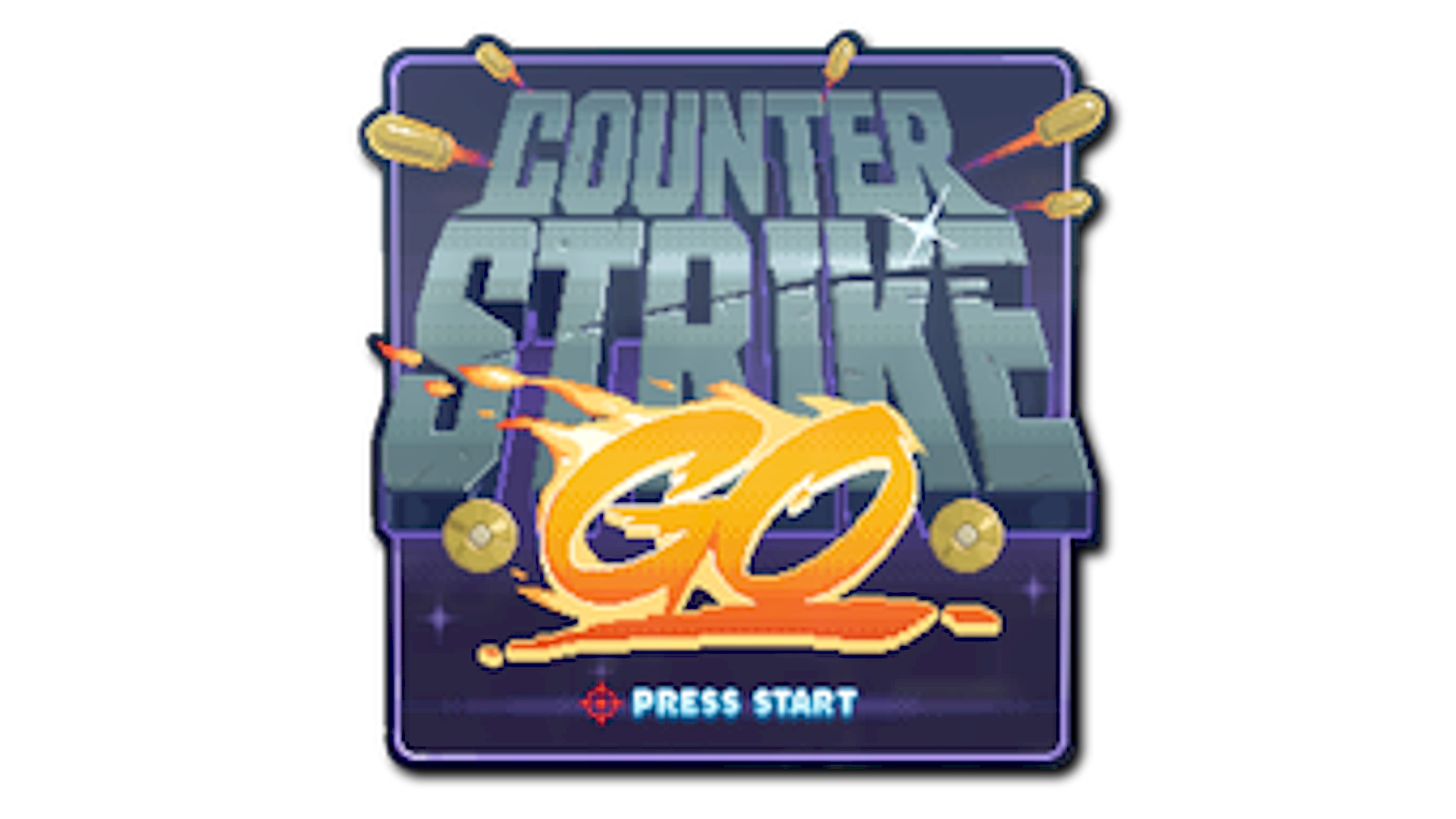
Sticker Press Start features a pixel-art graphic of a chicken with a game controller motif, referencing retro video game start screens in a playful style. Its arcade-inspired design and humorous take on one of Counter-Strike’s recurring chicken elements make it a distinctive sticker in CS2.
Release & Source
The Sticker Press Start can be found in the 10 Year Birthday Sticker Capsule.
The Sticker Press Start is a High Grade-tier sticker with an estimated drop chance of ~80% per capsule, making it one of the more common stickers in CS2.
Popularity
Community Rating
The Sticker Press Start has a community rating of 3.8 out of 5 based on 6 votes on SkinSwap.
Frequently Asked Questions
Open your inventory, select Sticker Press Start, and choose Apply Sticker. Then click the weapon you want to customize, pick one of the sticker slots, and confirm the placement. In CS2, you can also scrape the sticker afterward if you want a more worn or faded look.
Applied stickers in CS2 cannot be removed intact and reused on another weapon. If you scrape Sticker Press Start down completely, it is destroyed from that slot. Before applying it, make sure you want it on that skin because the sticker is single-use.
Sticker Press Start comes from the 10 Year Birthday Sticker Capsule. To get one from a capsule, you need the capsule itself and then open it through your inventory to receive one random sticker from that pool. If you want this exact sticker, buying it directly from the market is usually more predictable than opening capsules.
Sticker Press Start has a retro gaming theme, so it fits best on playful or colorful finishes. Good matches include MAC-10 Disco Tech, USP-S Cortex, M4A4 Temukau, and MP9 Mount Fuji. It also works on cleaner bases like AK-47 Slate if you want the sticker design to stand out more clearly.