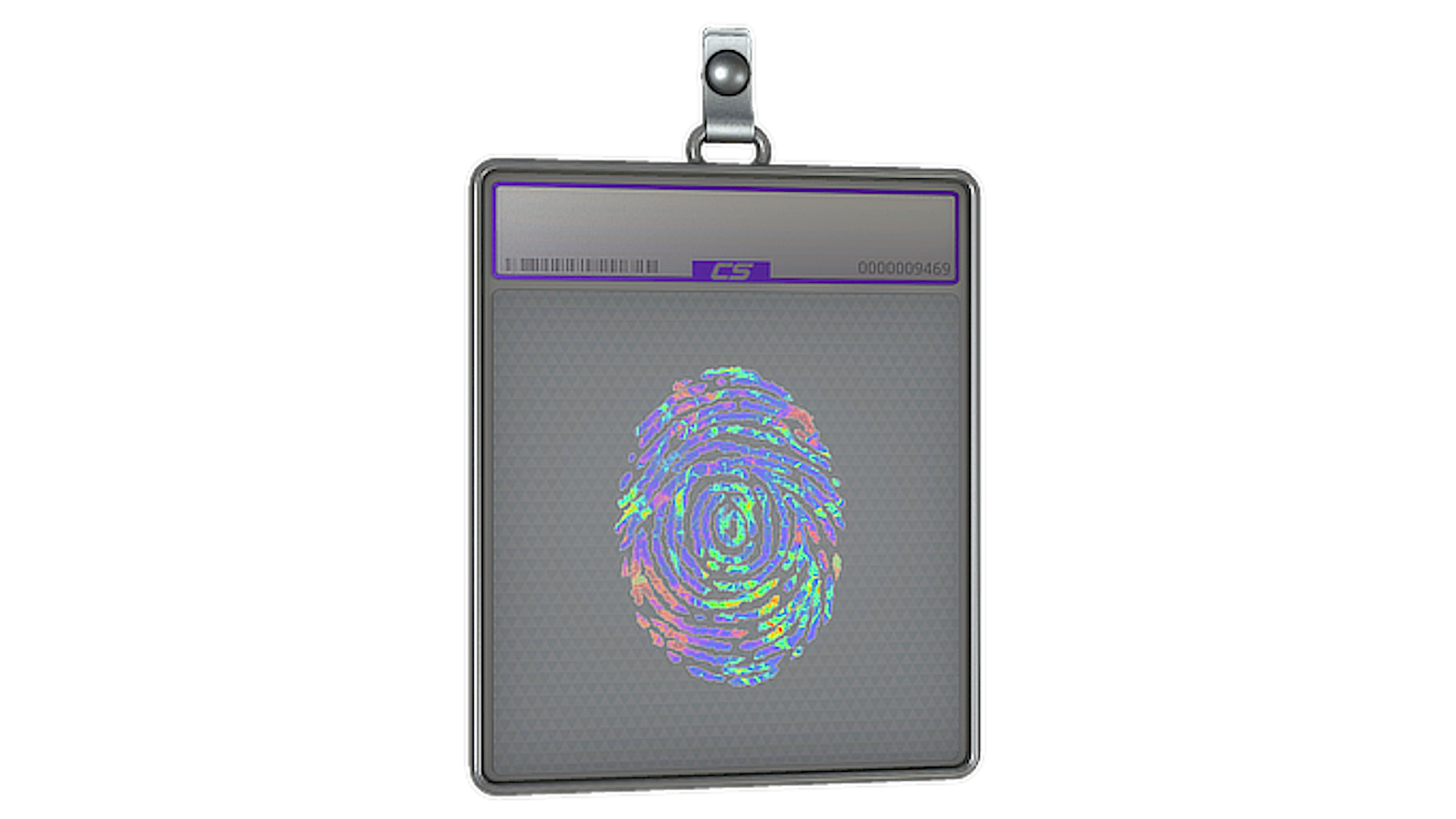
Sticker Slab Evidence
(Holo)Acerca de Sticker Slab Evidence
Sticker Evidence (Calcomanía Evidencia (holográfica)) presenta una huella forense azul combinada con una cinta amarilla llamativa de “EVIDENCE”, creando un diseño inspirado en la imaginería de una escena del crimen. El contraste entre la huella pintada y el texto de cinta de advertencia le da a esta skin un tema investigativo muy claro, que destaca frente a diseños de stickers más abstractos o centrados en logos dentro de CS2.
Lanzamiento y Fuente

El Sticker Slab Evidence se puede encontrar en la 2025 Community Sticker Collection.
El Sticker Slab Evidence (Holo) es un sticker de nivel Notable con una probabilidad estimada de obtención de ~15% por cápsula, lo que lo convierte en uno de los stickers más comunes de CS2.
Popularidad
Calificación de la Comunidad
El Sticker Slab Evidence tiene una valoración de la comunidad de 4.0 sobre 5 basada en 13 votos en SkinSwap.
Preguntas Frecuentes
Sticker Evidence es un sticker notable de la 2025 Community Sticker Collection. Es un objeto cosmético que se usa para personalizar armas en CS2, y su atractivo viene del arte del sticker, no de ningún efecto en la jugabilidad. Si lo comparas con otros stickers de Community de 2025, las principales diferencias están en el tema visual, la paleta de colores y qué tan bien encaja con acabados específicos de armas.
Los stickers en CS2 son calcomanías cosméticas que puedes aplicar a skins de armas compatibles para cambiar cómo se ve el objeto en el juego. No afectan el daño, la precisión, el retroceso ni ninguna otra estadística de gameplay. Su valor normalmente depende del diseño del sticker, la colección y qué tan bien encajan en crafts populares sobre skins como la AK-47 Slate, AWP Asiimov o USP-S Printstream.
Puedes inspeccionar un sticker abriéndolo en tu inventario o en su publicación del marketplace y usando la opción de inspeccionar para ver el arte de cerca. Después de aplicar un sticker, también puedes inspeccionar el arma para revisar la posición, el tamaño y cómo se ve junto al acabado de la skin. Esto es útil para evaluar si Sticker Evidence encaja con skins más oscuras, acabados más claros o crafts de varios stickers.
Para aplicar Sticker Evidence, abre tu inventario de CS2, selecciona el sticker, elige Aplicar sticker y luego escoge un arma compatible. El juego te permitirá colocarlo en uno de los espacios de sticker disponibles de esa arma. Antes de confirmar, te conviene previsualizar la posición en skins que ya tengas, como la M4A1-S Black Lotus, AK-47 Slate o Desert Eagle Printstream.