Flip Knife
About Flip Knife
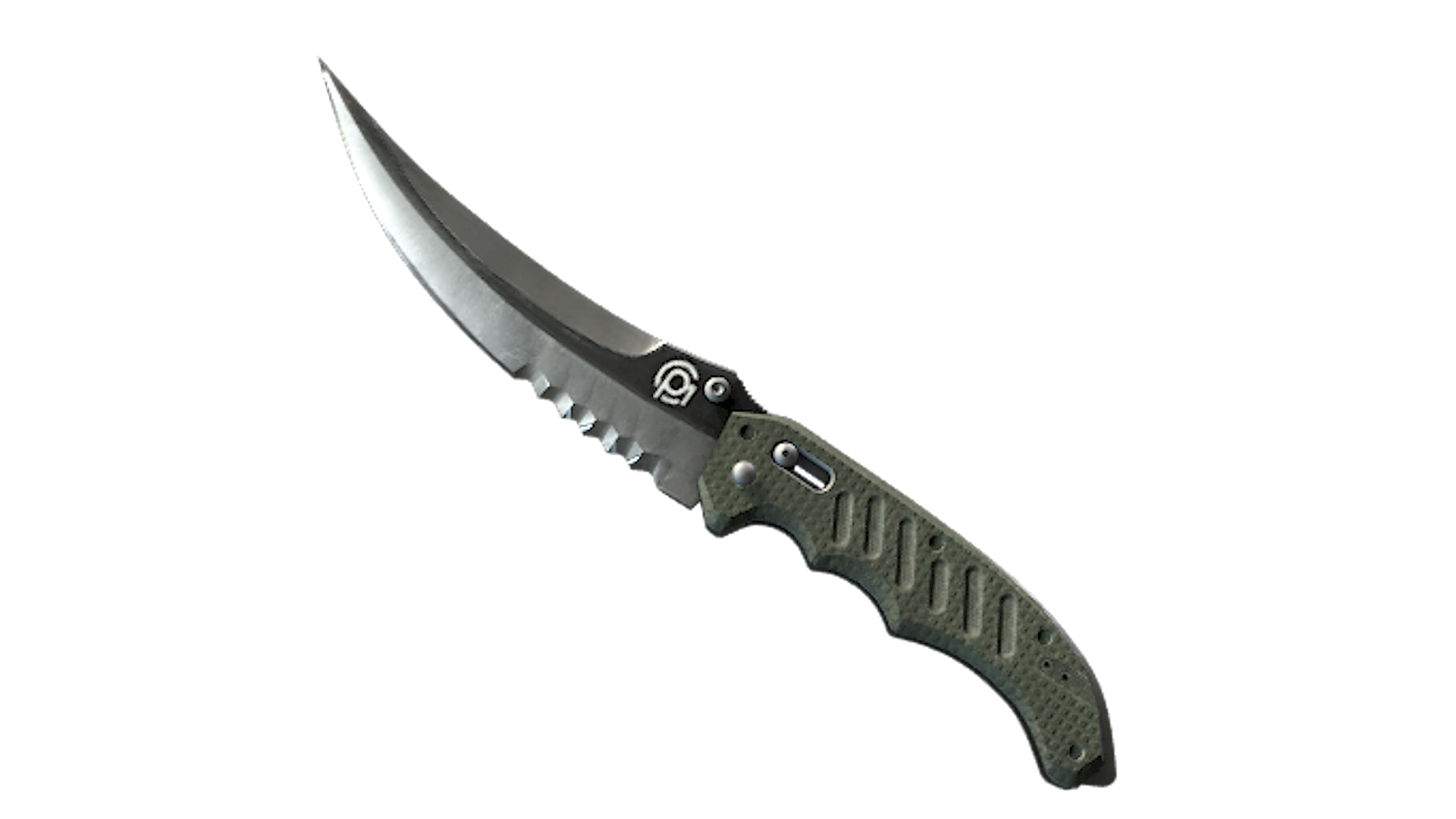
The ★ Flip Knife features a Persian-style blade with a pronounced back sweep, acute point, and a section of serration near the handle, paired with a textured green handle. Among knife finishes in CS2, ★ Flip Knife stands out for its practical folding-knife profile and its blend of a narrow, curved blade with a durable, utilitarian design.
Release & Source
The Flip Knife can be found in the CS:GO Weapon Case, ESports 2013 Case, and 9 more containers.
The Flip Knife is a Covert-tier skin with an estimated drop chance of ~0.64%, making it one of the rarest Flip Knife skins in CS2.
Popularity
Community Rating
The Flip Knife has a community rating of 4.1 out of 5 based on 15 votes on SkinSwap.
Frequently Asked Questions
Because this page is for the vanilla ★ Flip Knife, neutral gloves work best with its plain steel blade and dark handle. Driver Gloves Black Tie, Moto Gloves Smoke Out, and Hand Wraps Badlands all pair cleanly without forcing a color theme. If you want a slightly more tactical look, Specialist Gloves Mogul also fits the knife’s understated finish.
The vanilla Flip Knife matches weapon skins with black, grey, or raw-metal finishes better than bright patterned skins. Good pairings include AK-47 Slate, M4A1-S Night Terror, USP-S Stainless, and Desert Eagle Blue Ply. If you want a cleaner inventory theme, AWP Graphite and Glock-18 Ironwork also fit the knife’s simple steel look.
Yes, the Flip Knife is a solid CS2 knife if you like a simple blade shape and a compact draw profile. Its animation set is straightforward, and the vanilla version appeals to players who prefer an unpainted, utilitarian look over brighter finishes. Compared with bulkier knives, it keeps a cleaner silhouette in first person.
In CS2, inspect animations are triggered with the inspect key, which is bound to F by default. For a Flip Knife, pressing inspect plays its handling animation, but there is no manual trick command that lets you spin or flip it on demand beyond the standard inspect. You can rebind the inspect key in the game settings if needed.