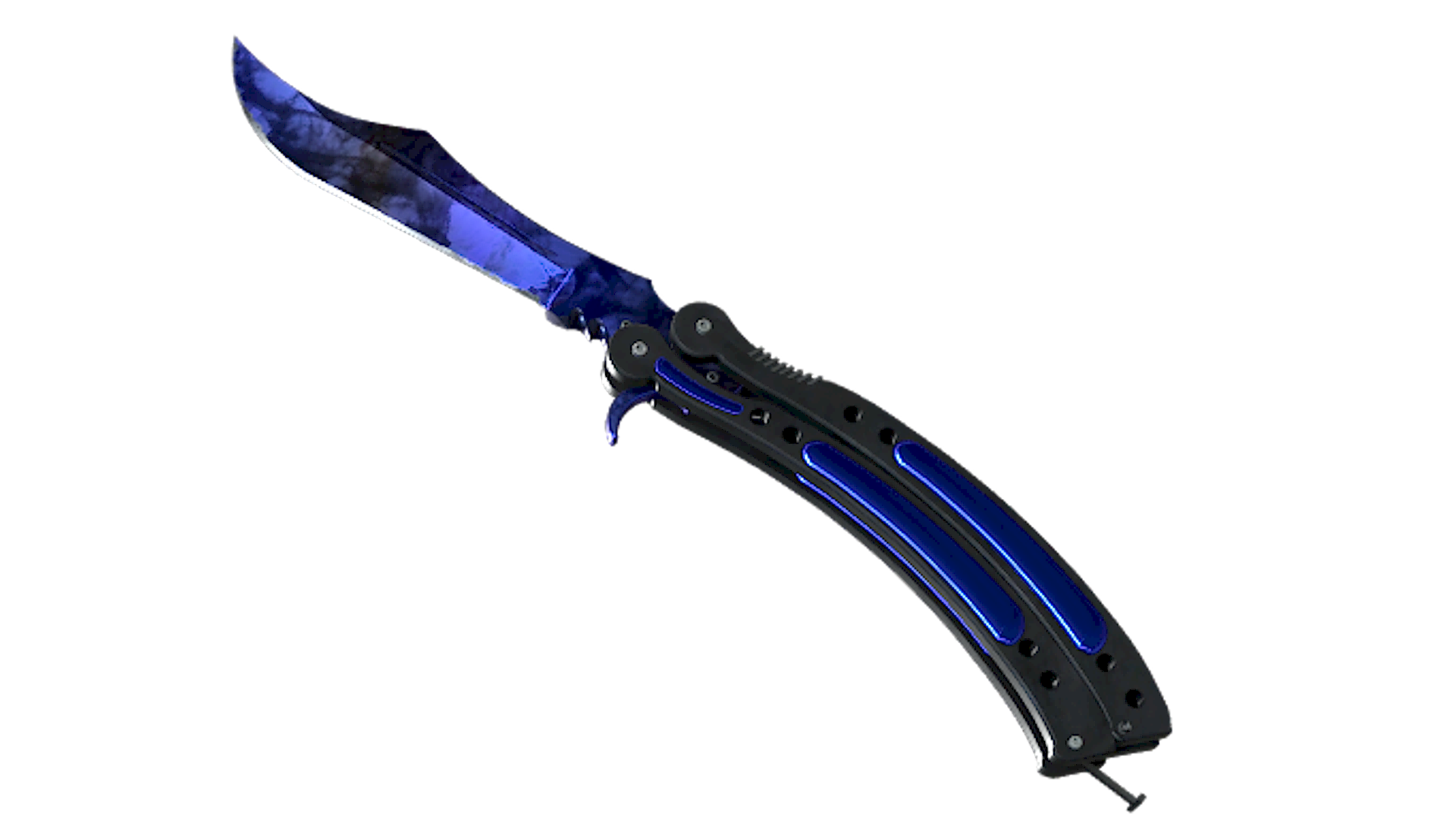
Butterfly Knife Doppler Phase 4
(Factory New)Om Butterfly Knife Doppler Phase 4
★ Butterfly Knife Doppler Phase 4 (★ Butterflykniv Doppler) kombinerar butterflyknivens balisong-ram med en marmorerad metallisk finish i djupblått och svart, avslutad med en glansig, godisliknande yta över bladet och handtagets inlägg. Bland Doppler-varianterna för Butterfly Knife kännetecknas Phase 4 av sin blådominerade palett, vilket ger den här kniven ett svalare utseende än de mörkare eller mer blandade faserna.
Utgivning & Källa
Butterfly Knife Doppler Phase 4 kan hittas i Spectrum Case och Spectrum 2 Case. Butterfly Knife Doppler Phase 4 tillhör Doppler Phase 4-familjen.
Floatområde & Slitage
Butterfly Knife Doppler Phase 4 kan inte droppa i Field-Tested, Well-Worn, Battle-Scarred. Det minimi float-värde är 0, vilket gör Factory New till det bästa tillgängliga skicket. Det maximala float-värdet är 0.15, med Minimal Wear som det sämsta tillgängliga skicket.
Butterfly Knife Doppler Phase 4 är en skin av Dold-klass med en uppskattad drop-chans på ~0.64%, vilket gör den till en av de mest sällsynta Butterfly Knife-skinsen i CS2.
Popularitet
Communitybetyg
Butterfly Knife Doppler Phase 4 har ett community-betyg på 4.7 av 5 baserat på 59 röster på SkinSwap.
Vanliga Frågor
Phase 4 domineras av djupblå toner, så handskar med blå, svarta eller svalt grå accenter passar bäst. Specialist Gloves Mogul matchar den kalla blå paletten väldigt nära, Sport Gloves Amphibious förstärker den mättade blå looken, och Moto Gloves Polygon lägger till en mörkare teknisk finish som funkar bra med knivens svarta handtag och skuggorna i bladet.
Vapenfinisher som drar åt blått passar den här kniven bäst, särskilt skins med marinblå, cyan eller svart kontrast. Bra matchningar är bland annat AK-47 Frontside Misty, M4A1-S Blue Phosphor, USP-S Orion och AWP Sun in Leo. Om du vill ha en mer nedtonad loadout funkar även mörkare skins som M4A4 The Emperor eller Glock-18 Twilight Galaxy väldigt bra ihop med en Phase 4 Doppler.
För Phase 4 är de mest eftertraktade mönstren oftast de som har den renaste och största blå täckningen på playside, med minimalt svart eller grumliga övergångar som bryter upp bladet. Köpare letar ofta efter en klar, safirliknande blå placering nära mitten och spetsen, eftersom det gör att fasen framträder tydligare i spelet. Exakt vad som föredras beror fortfarande på om du värdesätter en djupare mörkblå look eller en ljusare och jämnare blå spridning.
En bra Phase 4-guide bör fokusera på färgfördelning, jämförelser mellan mönster sida vid sida och hur mycket blått som syns på playside jämfört med baksidan. För den här kniven är det viktigaste att kolla hur rent det blå fältet ser ut, hur mycket svart som bryter av och om mönstret behåller stark kontrast under inspect och animation. I CS2-ljussättning ser vissa mönster mörkare ut än på marknadsplatsbilder, så att inspektera i spelet är viktigt.