Sticker TV On Mirage
À propos de Sticker TV On Mirage
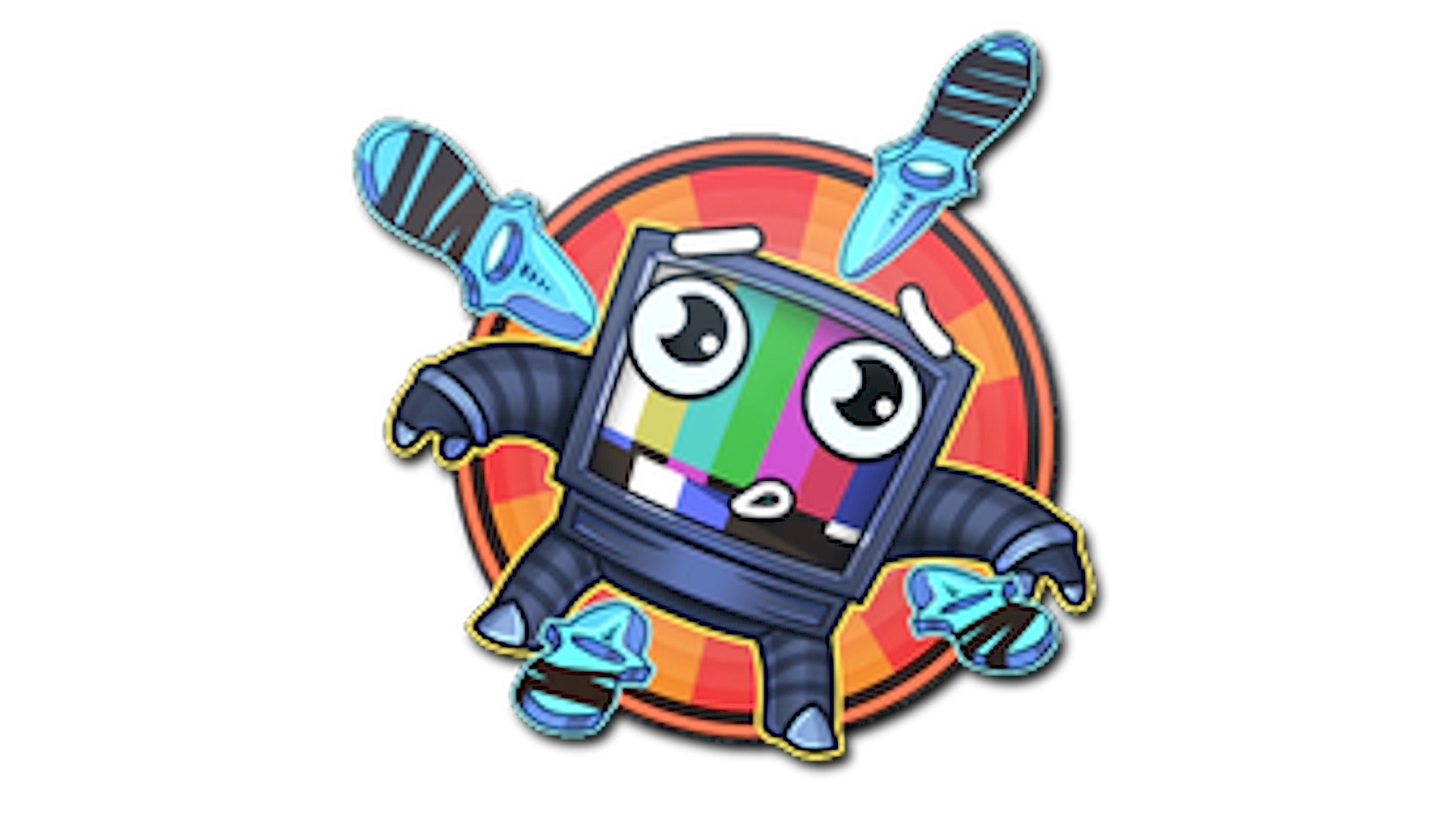
Sticker TV On Mirage (Sticker Télé de Mirage) représente un vieux téléviseur affichant une scène inspirée de Mirage sur son écran, dans un style graphique qui s’intègre bien à la collection de stickers de CS2. Comme il s’agit d’un autocollant et non d’une finition d’arme, son design se démarque par son concept illustré compact centré sur l’une des maps les plus emblématiques du jeu.
Sortie & Source
Le Sticker TV On Mirage peut être trouvé dans la 10 Year Birthday Sticker Capsule.
Le Sticker TV On Mirage est un sticker de niveau Haute qualité avec une chance de drop estimée à ~80% par capsule, ce qui en fait l’un des stickers les plus courants de CS2.
Popularité
Évaluation de la Communauté
Le Sticker TV On Mirage a une note communautaire de 4.0 sur 5 basée sur 3 votes sur SkinSwap.
Questions Fréquemment Posées
Sticker TV On Mirage est un sticker High Grade issu de la 10 Year Birthday Sticker Capsule. Il fait référence à Mirage avec un design façon télé ludique plutôt qu’avec un branding d’équipe ou de tournoi, donc il est surtout utilisé pour des crafts à thème liés à des loadouts orientés Mirage.
Ce sticker va surtout bien avec des finitions liées à Mirage et des palettes désertiques chaudes. Parmi les bonnes associations, on retrouve AWP Desert Hydra, MP9 Food Chain, MAC-10 Echoing Sands et Galil AR CAUTION, puisque leurs looks sableux, orange et très graphiques s’accordent naturellement avec un sticker à thème Mirage.
Oui, surtout si tu veux un craft à thème map plutôt qu’un craft chargé en logos. Il fonctionne bien comme sticker d’accent seul sur des skins qui collent à Mirage, ou dans des crafts à quatre stickers sur des finitions plus claires où le design reste lisible au lieu de se fondre dans des corps d’armes sombres.
Ouvre ton inventaire, sélectionne l’arme que tu veux personnaliser, choisis Appliquer un autocollant, puis sélectionne Sticker TV On Mirage dans ton inventaire de stickers. Tu peux le placer dans l’un des emplacements d’autocollant de l’arme, puis le gratter plus tard si tu veux un rendu plus usé ou ajuster l’apparence du design.