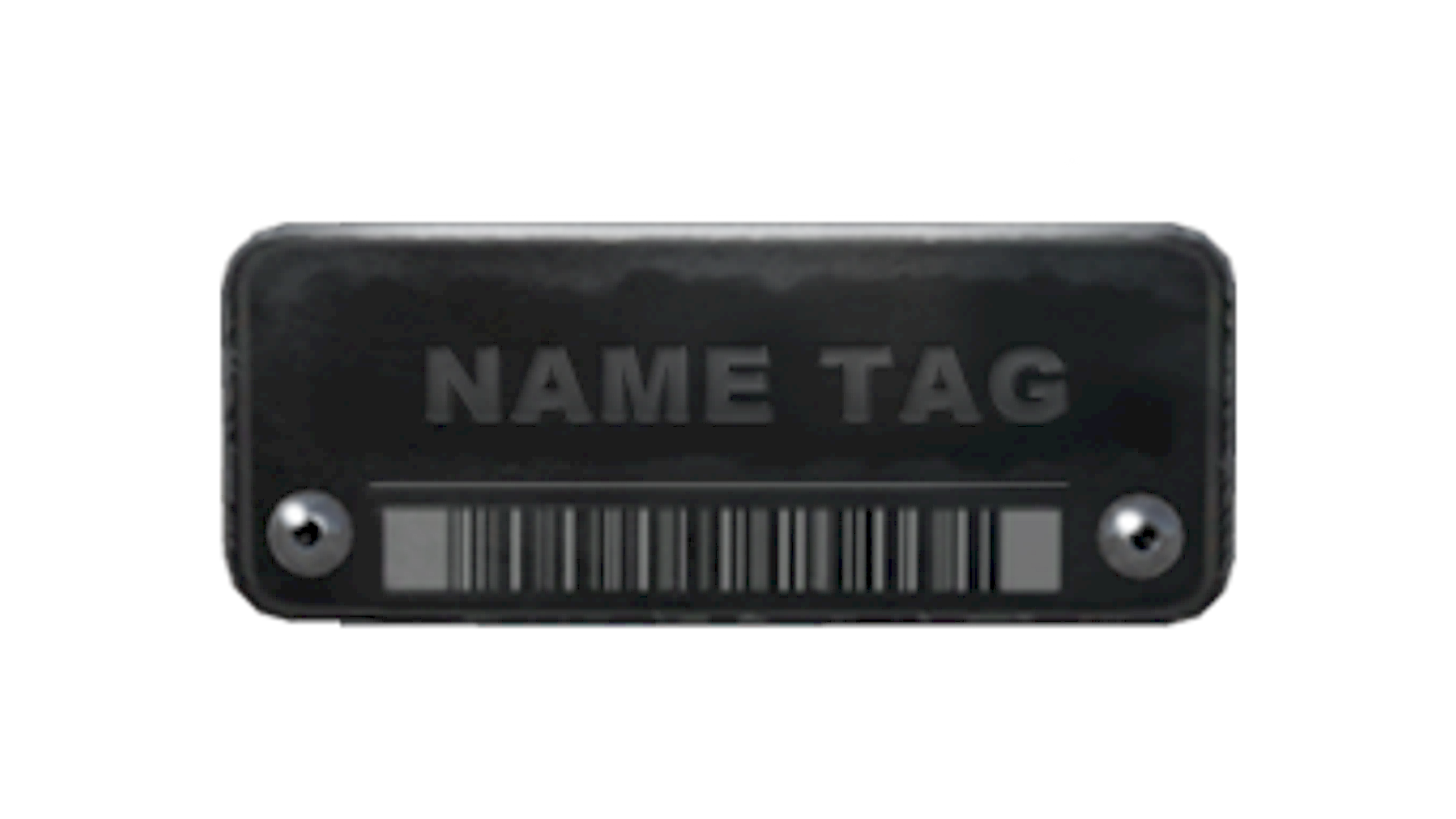
About Name Tag
The Name Tag is a CS2 tool used to assign a custom name to a weapon in a player's inventory. Unlike weapon skins, it does not alter a gun’s finish or artwork, serving instead as a customization item focused on labeling individual weapons.
Release & Source
Rarity
Popularity
Community Rating
The Name Tag has a community rating of 4.0 out of 5 based on 7 votes on SkinSwap.
Frequently Asked Questions
You can get a Name Tag by buying one directly from the in-game CS2 store or from Steam Community Market listings when available. It is a consumable tool item used to rename a weapon, knife, or other supported item in your inventory. Once applied, the Name Tag is used up.
Yes, you can remove a Name Tag from an item, but the tag itself is not returned to your inventory. Removing it simply clears the custom name and restores the item to having no displayed custom title. If you want a new name later, you need to use another Name Tag.
Open your inventory, select the item you want to rename, and use a Name Tag on it. The game will prompt you to enter a custom name before confirming the change. After you accept, that custom name appears on the item until you remove it or rename it again with another Name Tag.
To change an existing custom name, you need to apply a new Name Tag to the same item. CS2 does not let you freely edit an old tag without consuming another one. The new Name Tag replaces the previous custom name with whatever text you enter.