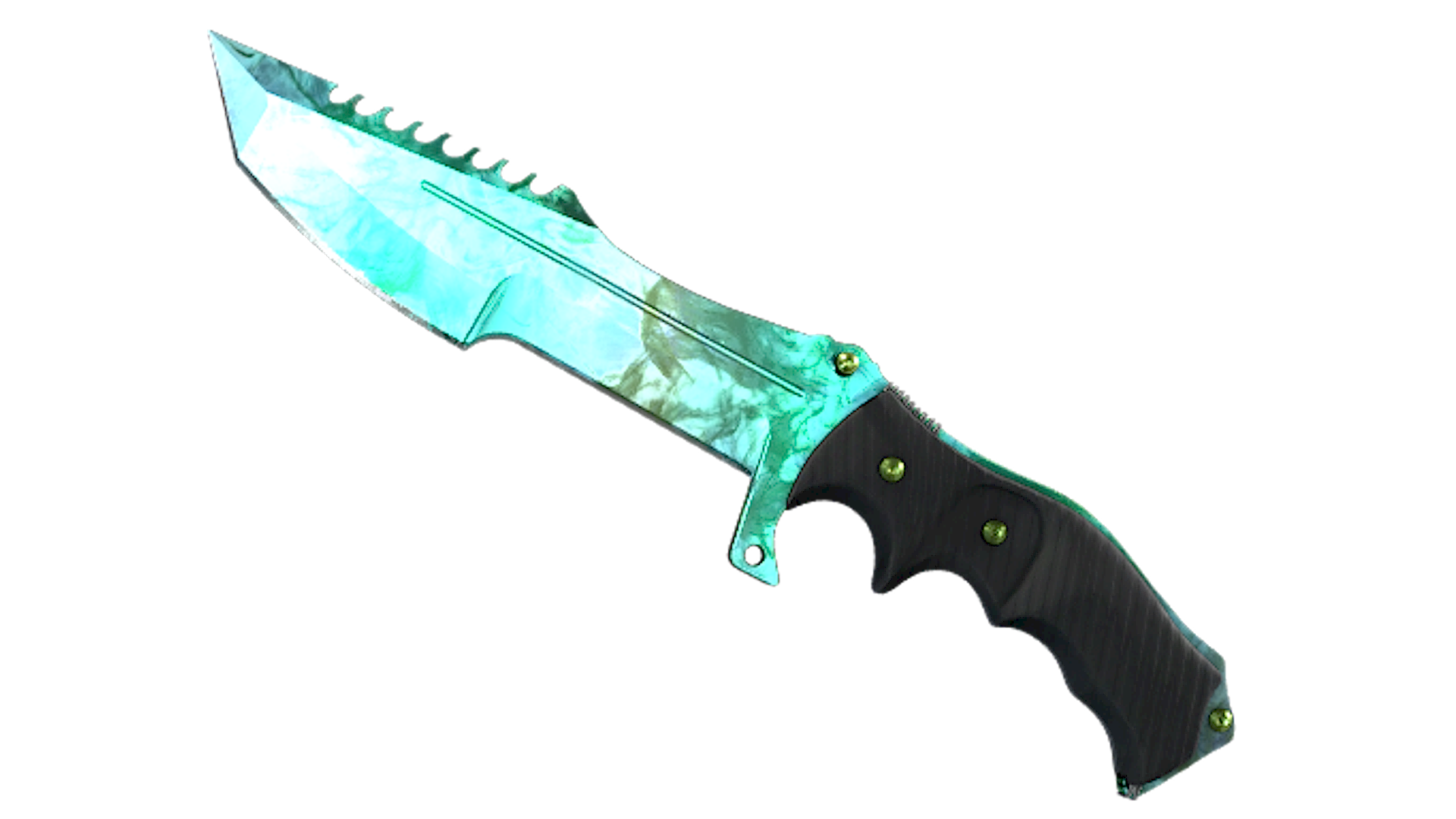
Huntsman Knife Gamma Doppler Phase 2
About Huntsman Knife Gamma Doppler Phase 2
★ Huntsman Knife Gamma Doppler Phase 2 applies the Gamma Doppler finish to the Huntsman Knife’s broad tanto blade, with a marbled mix of bright turquoise, mint green, and darker green tones under a glossy candy-coated look. On the Huntsman Knife, this phase stands out for covering the large blade surface with vivid color variation while contrasting against the black handle and green hardware.
Release & Source
The Huntsman Knife Gamma Doppler Phase 2 can be found in the Operation Riptide Case and Dreams & Nightmares Case. The Huntsman Knife Gamma Doppler Phase 2 is part of the Gamma Doppler Phase 2 family.
Float Range & Wear
The Huntsman Knife Gamma Doppler Phase 2 cannot drop in Field-Tested, Well-Worn, Battle-Scarred. The minimum float is 0, making Factory New the best available condition. The maximum float is 0.15, with Minimal Wear being the worst available condition.
The Huntsman Knife Gamma Doppler Phase 2 is a Covert-tier skin with an estimated drop chance of ~0.64%, making it one of the rarest Huntsman Knife skins in CS2.
Popularity
Community Rating
The Huntsman Knife Gamma Doppler Phase 2 has a community rating of 4.7 out of 5 based on 55 votes on SkinSwap.
Frequently Asked Questions
For the green-heavy Phase 2 finish, Specialist Gloves Emerald Web match the saturated emerald tones most closely. Sport Gloves Hedge Maze keep the same bright green direction with a lighter, cleaner look, while Moto Gloves Turtle add a darker green pairing that works well with the Huntsman’s black handle.
Green-accented weapon finishes fit this knife best, especially AK-47 Fuel Injector, M4A1-S Emphorosaur-S, and Glock-18 Nuclear Garden. For a cleaner inventory theme, USP-S Monster Mashup and AWP Atheris also pair well because they carry green tones without clashing with the darker handle and spine.
On Huntsman Knife Gamma Doppler Phase 2, the most desirable patterns usually have a larger, cleaner spread of bright emerald green across the play side. Buyers generally look for less dark mottling, fewer muddy transitions, and a more even green distribution near the center of the blade. Since pattern appeal is visual rather than tied to a named tier on this knife, inspecting screenshots of both sides is the safest way to compare.
A useful Phase 2 guide should focus on three things: how much bright green appears on the blade, how balanced the marbling looks on the play side, and whether the black portions frame the green cleanly. In CS2, lighting can make the emerald tone look more vivid than in older inspections, so checking the knife in inspect servers or high-resolution videos helps avoid buying a pattern that looks dull in normal gameplay.